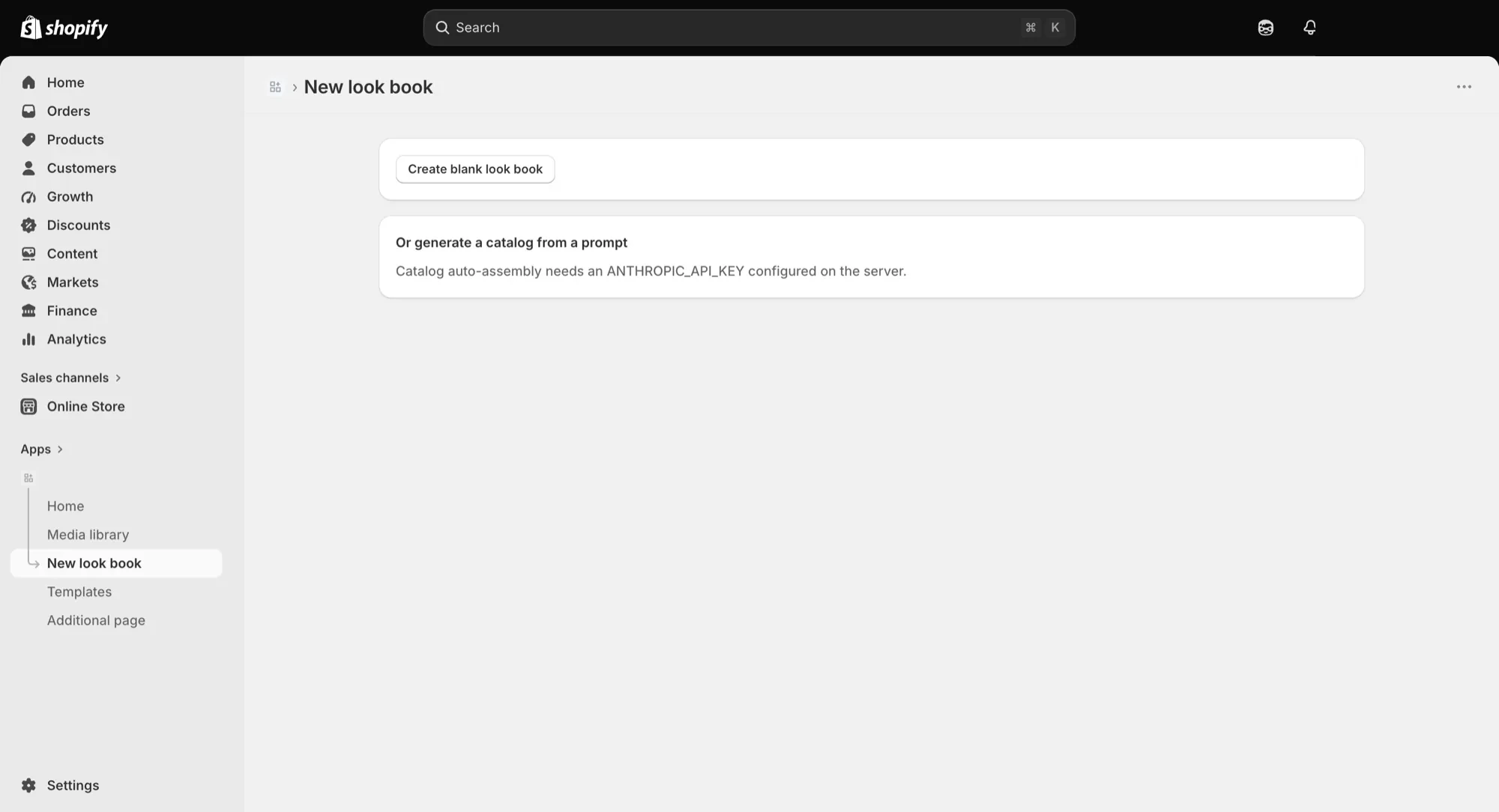
Turns a render into a client-ready deck without leaving Shopify.
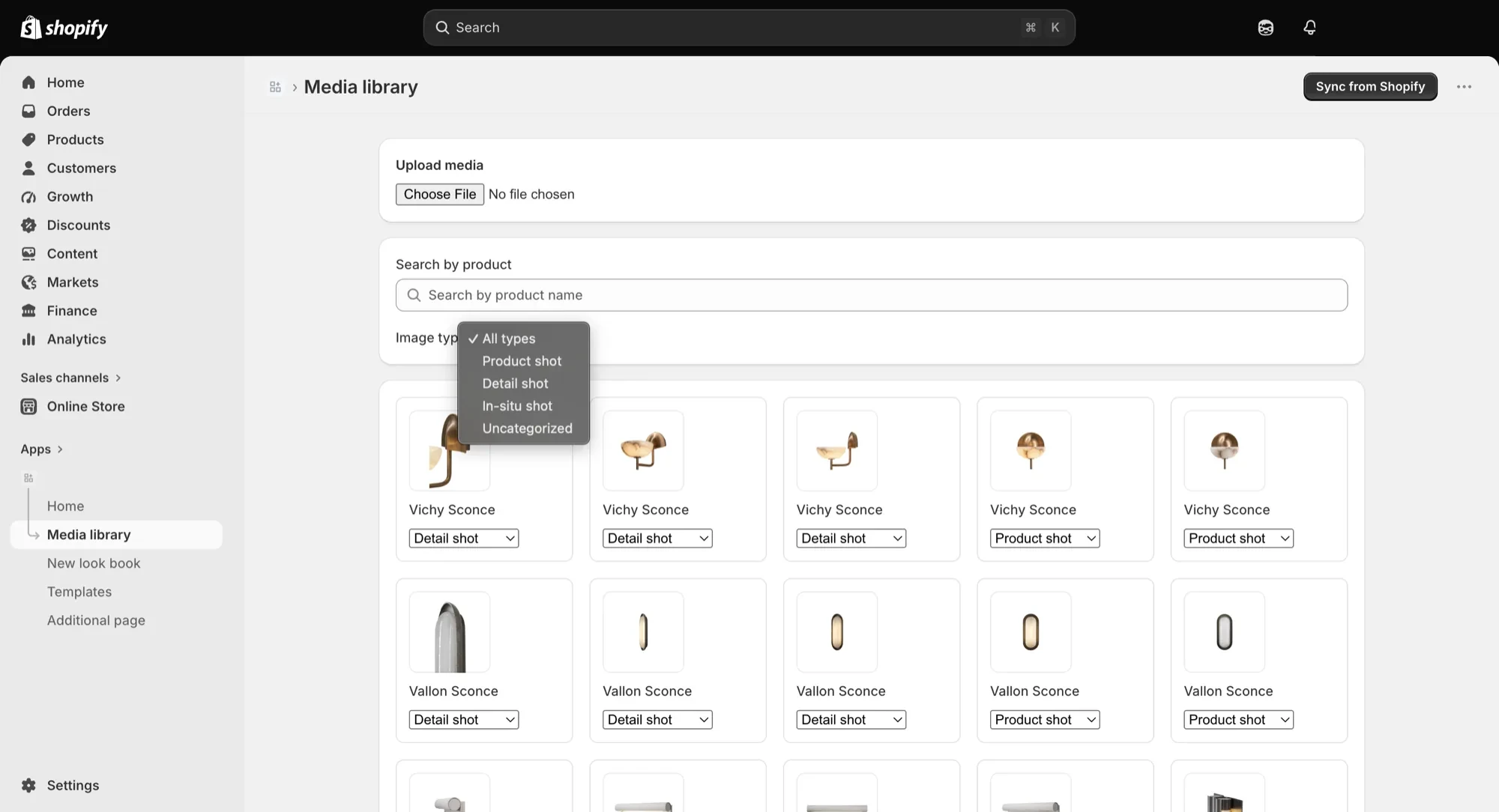
The media library files every image against a real product record and types it (product shot, detail shot, in-situ shot), the same way a real photograph would be filed — so a generated render slots into the catalog exactly like a studio photo would.
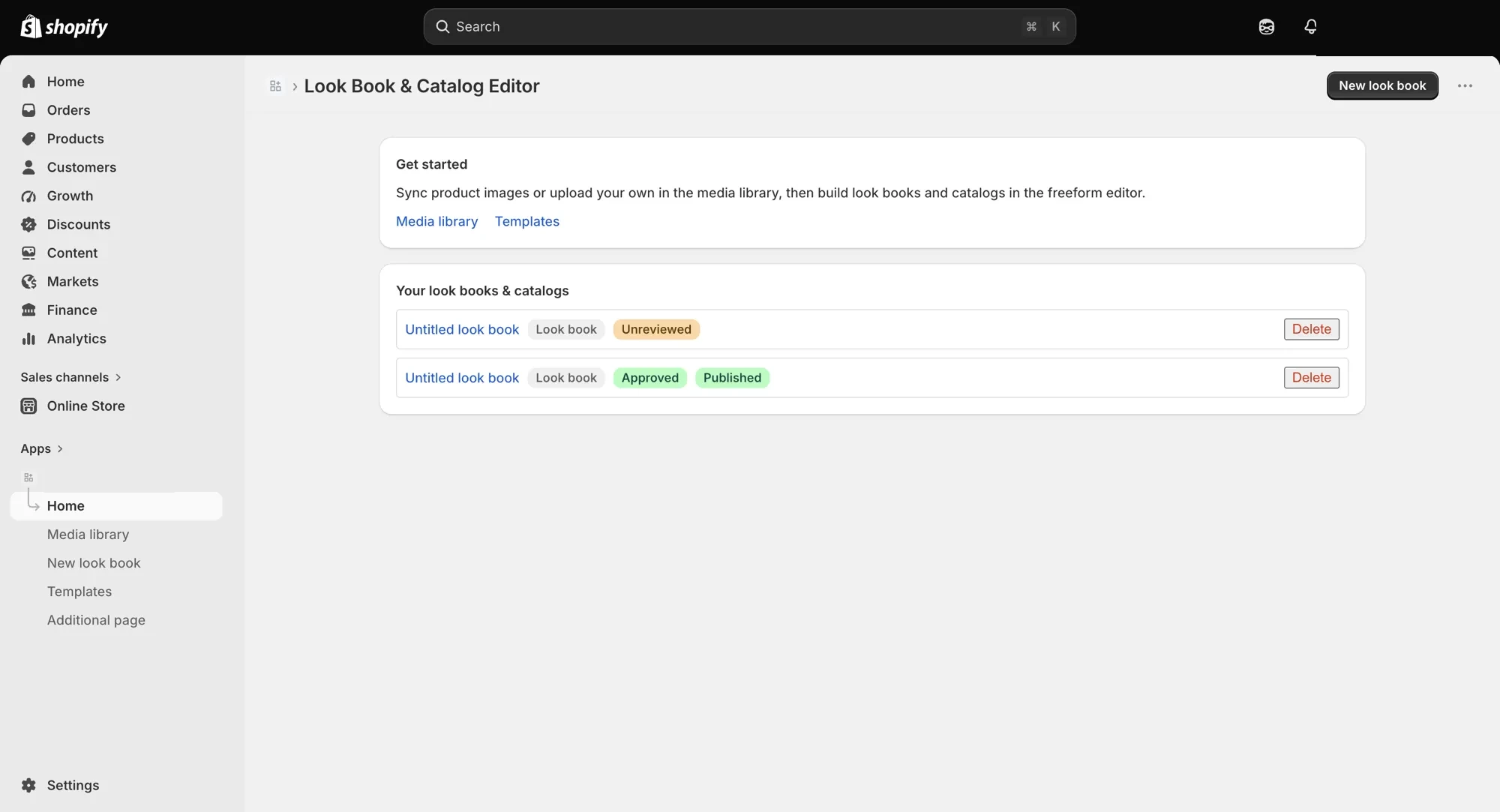
Every look book document carries a state — unreviewed, approved, published — so nothing reaches a client without a human review pass first.
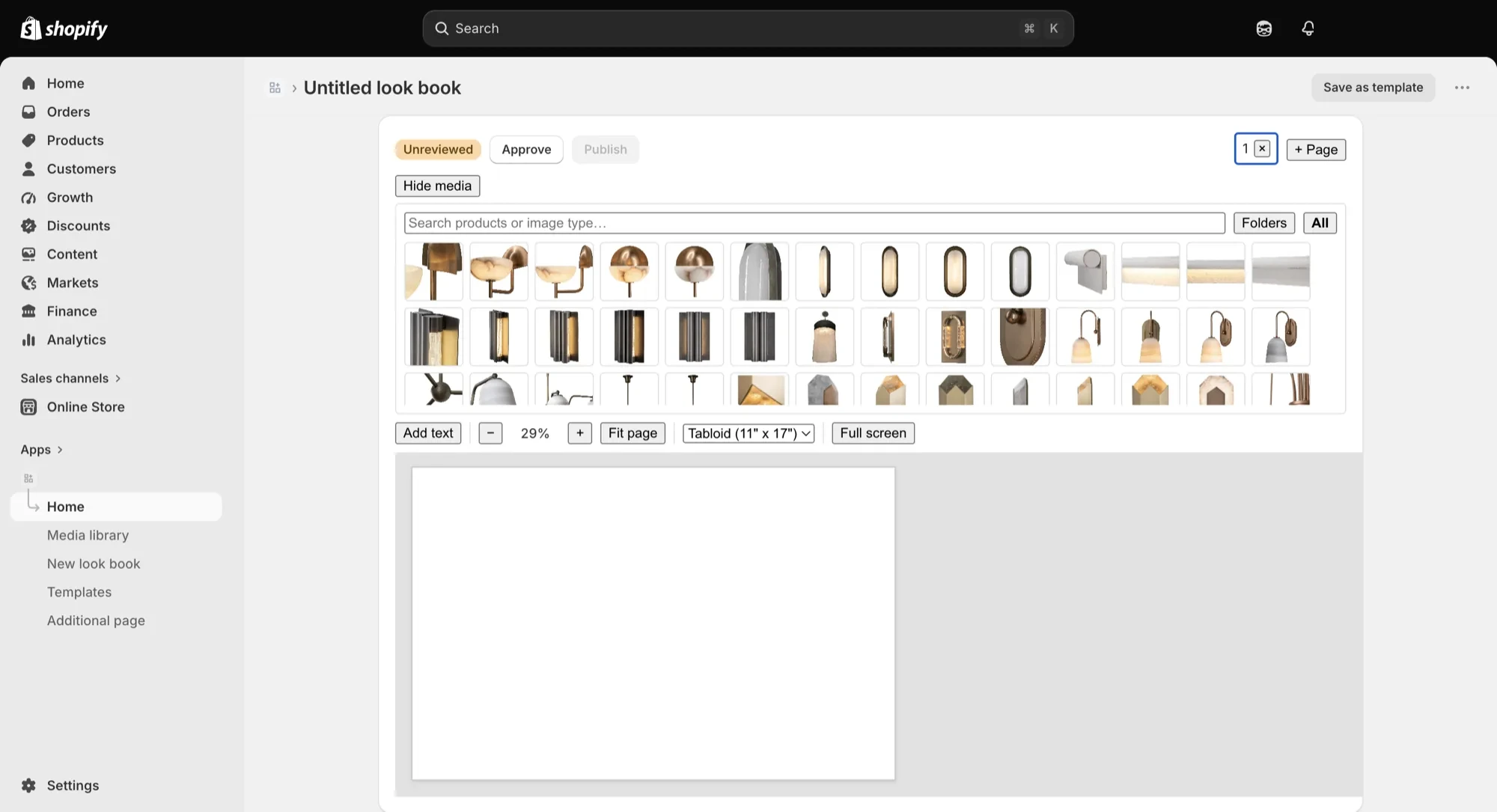
A full-line look book and a narrowed, client-specific set are the same machinery, differing only by which products the query includes — producing a bespoke deck doesn't mean starting over.
Starting a new look book doesn't require laying out every page by hand first. A prompt can generate a full working catalog draft directly, pulling from the same product records the media library already tracks — leaving a manual, blank-canvas start as the fallback rather than the only option.